From the first enquiry to the finished job.
A customer sends the details. You check the quote, agree the job and keep the work moving. Here’s how it comes together in Kwotly.
10 quotes a month free. No card needed.
Four steps, one place.
Enquiry in, priced quote out, then the chat and the booked job. No copying details from one app to the next.
Give customers one place to start.
Share your quote page. Customers choose their job, then enter the addresses and access details, and add photos if they’ve got them. The enquiry arrives with everything together, ready for you to review.
Every plan: your own quote page. On Pro: put the quote form on your own website too.
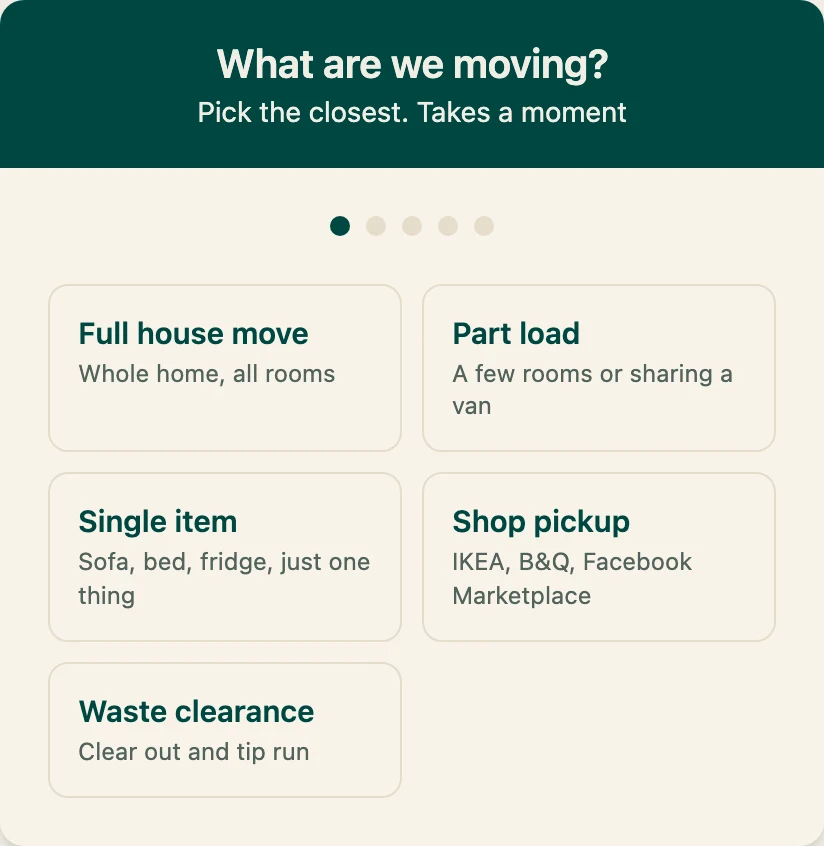
Step 1 of 5, as your customer sees it Check the details. Set your price.
The job comes in priced on your rates. If they sent photos, they’re turned into an item list for you to check. Look over the list, check the access and change the quote before you send it. The final price is always yours.
Every plan: taking a job by phone or in person? Price it up yourself, same as any other.
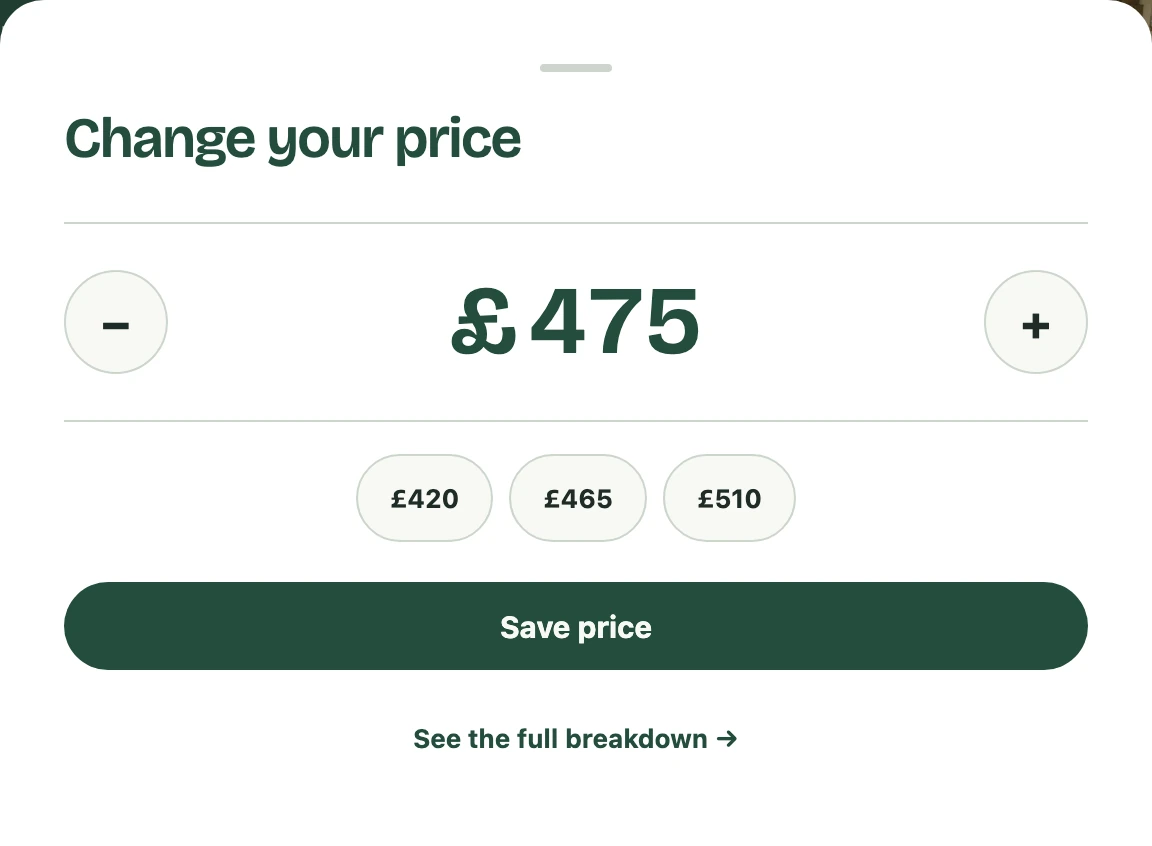
Jess’s job: your number, before it goes Keep the conversation with the quote.
Answer questions, confirm what’s included and agree the details in the customer’s quote thread. Email replies stay with the enquiry, and you can send the quote to their WhatsApp in one tap.
Every plan: customer messaging, on Free too.
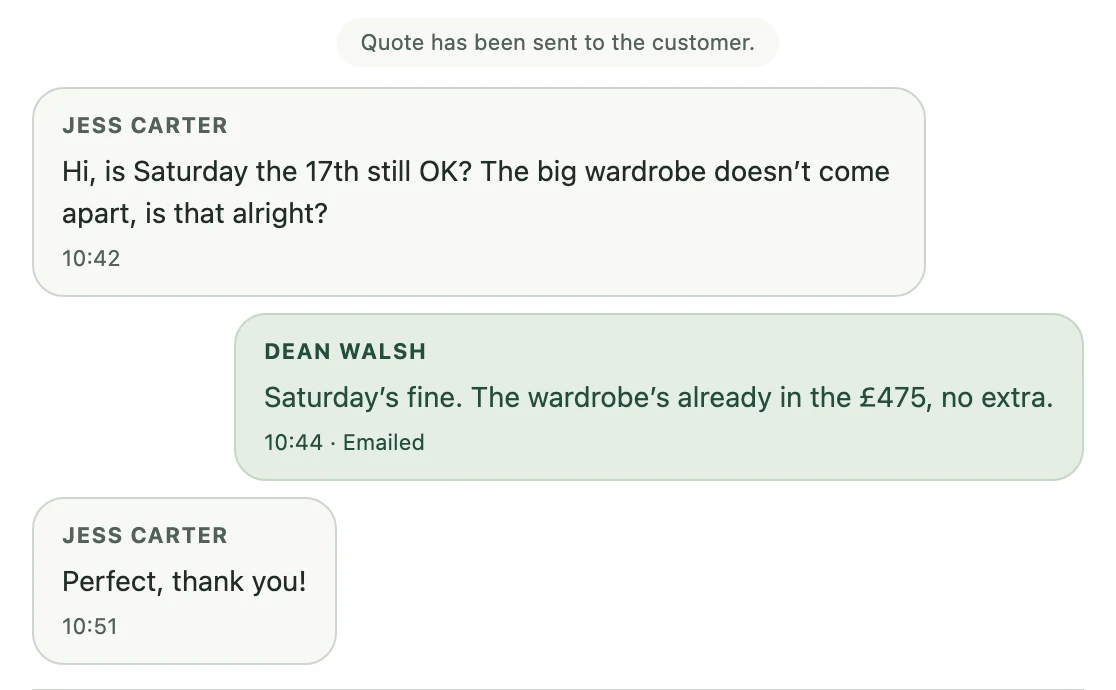
Jess replied to the email. It landed under her quote. Turn a yes into a working day.
Keep booked jobs with the customer and job details to hand, and time the work on the day. Take the job through to the invoice without typing the details out again somewhere else.
Every plan: the job clock for hourly work. From Starter: your week of jobs on one screen.
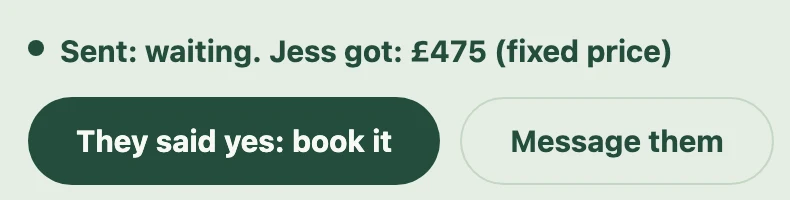
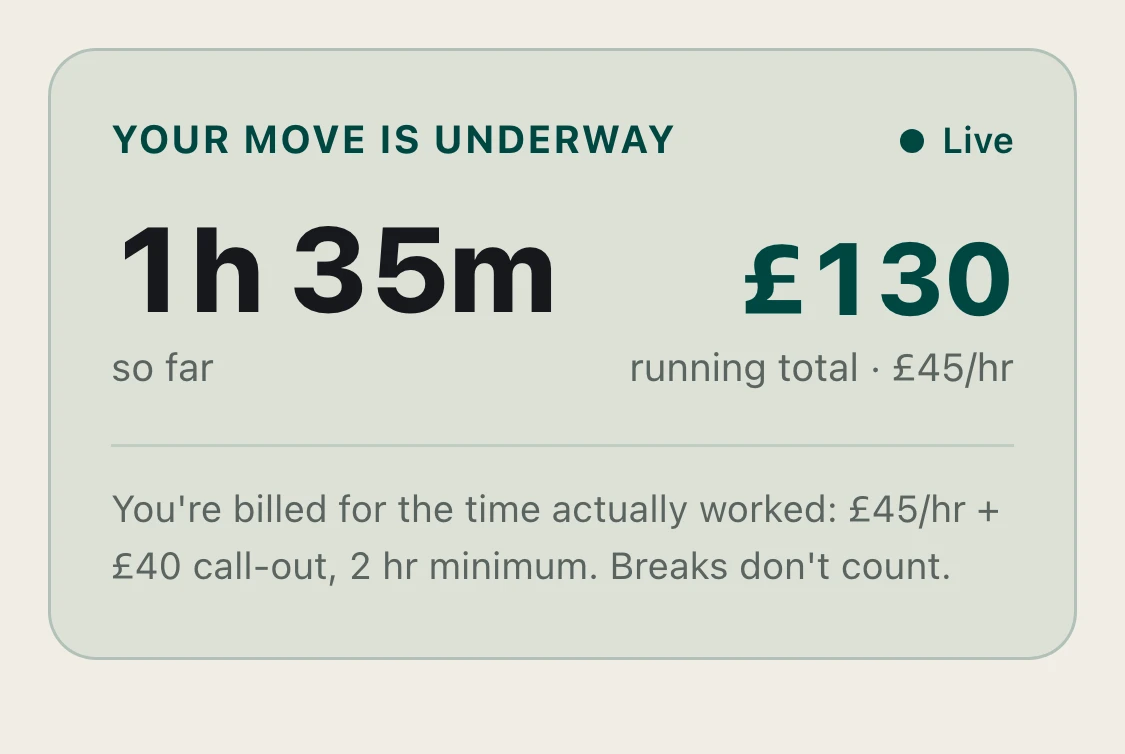
She said yes. On the day, an hourly job as the customer sees it.

Your next enquiry starts here.
Have a go as your customer would. Pick the job, say where it’s going from and to, and see what they see before it lands with you priced on your rates.
Give it a go.
Walk through a sample enquiry as a customer, from choosing a job to checking the details. We’ve filled in sample contact details and addresses. Nothing is sent or booked.
Demo only: the photo scanner, address search and sending enquiries are switched off. Your quote page is on every plan; the form on your own website comes with Pro.
Get your quote page set up tonight.
Set up your quote page for free, then choose the plan that fits how you work.
Get your quote page, freeAlready on Kwotly? Log in